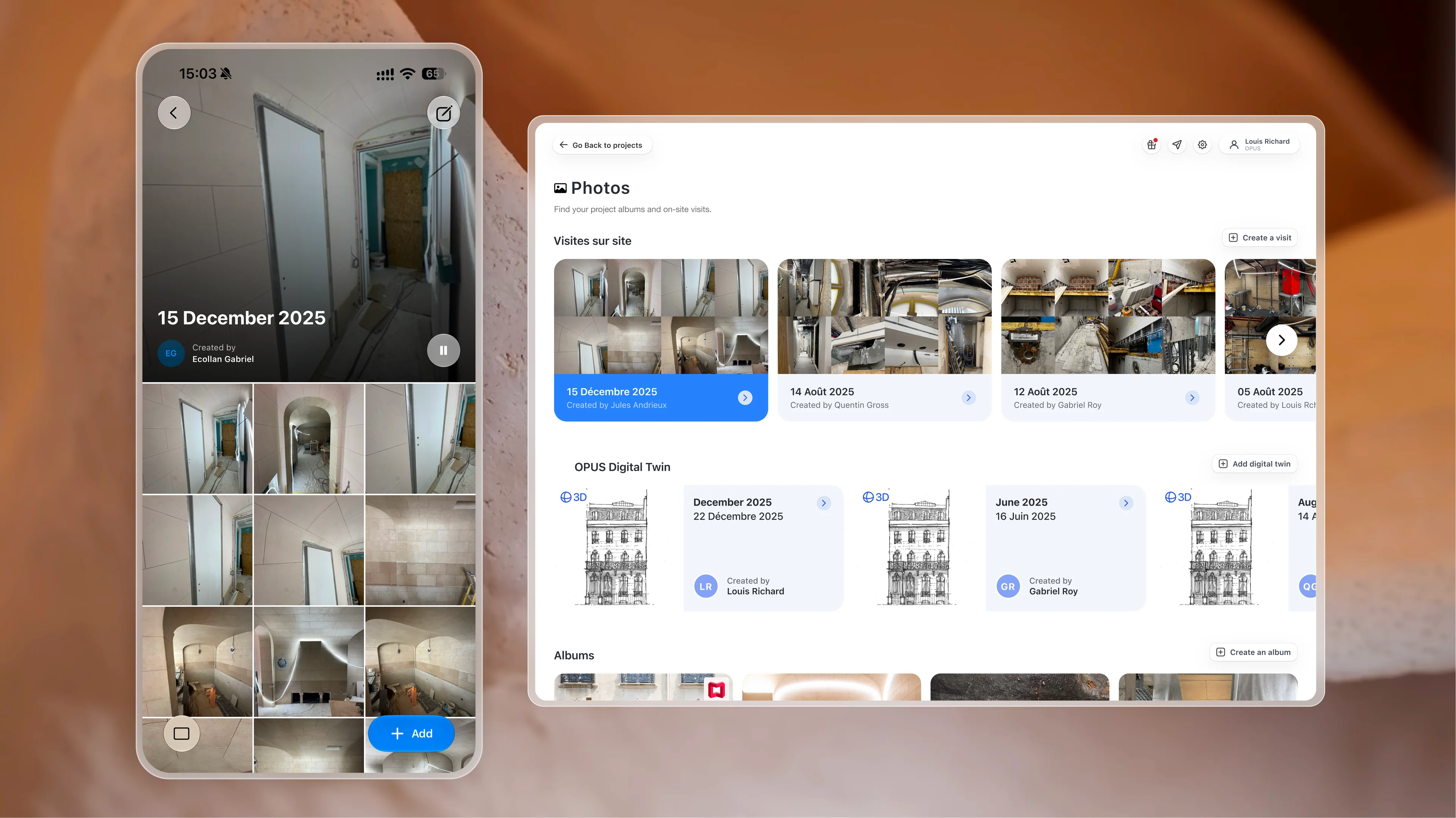
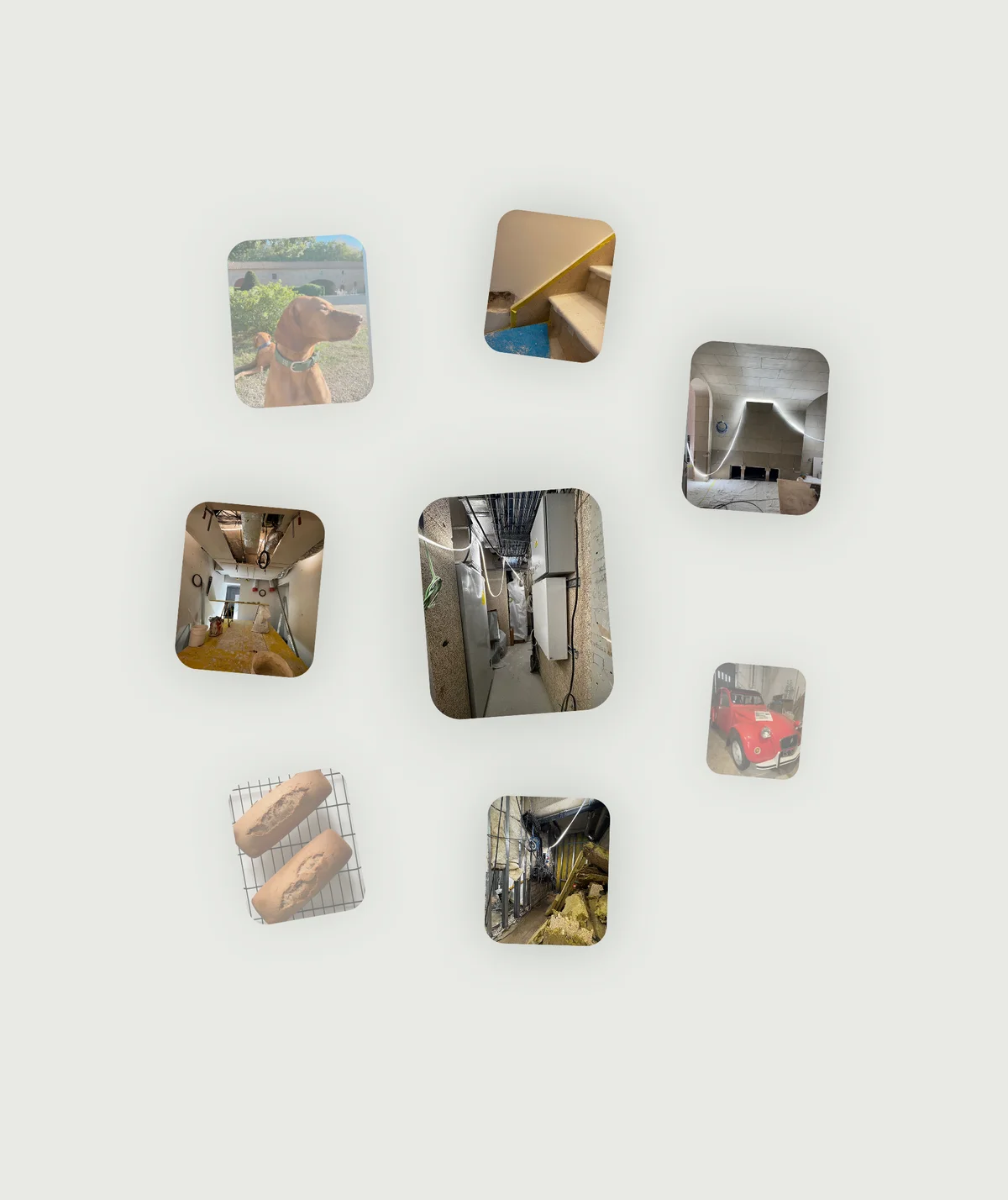
Keep site pictures out of scattered message threads and bring them into a dedicated shared space. Give your team dated visits, observations and reports to understand the scope remotely and revisit conditions recorded on site.
When site photographs stay on personal phones or disappear into WhatsApp threads, the project loses a useful record. OPUS gathers them by visit, enriched with dates, locations and observations, so your team can rewind what was seen and understand it, long after the visit.WhensitephotographsstayonpersonalphonesordisappearintoWhatsAppthreads,theprojectlosesausefulrecord.OPUSgathersthembyvisit,enrichedwithdates,locationsandobservations,soyourteamcanrewindwhatwasseenandunderstandit,longafterthevisit.
From site pictures to a shared reference.
Give the team a visual reference it can use.
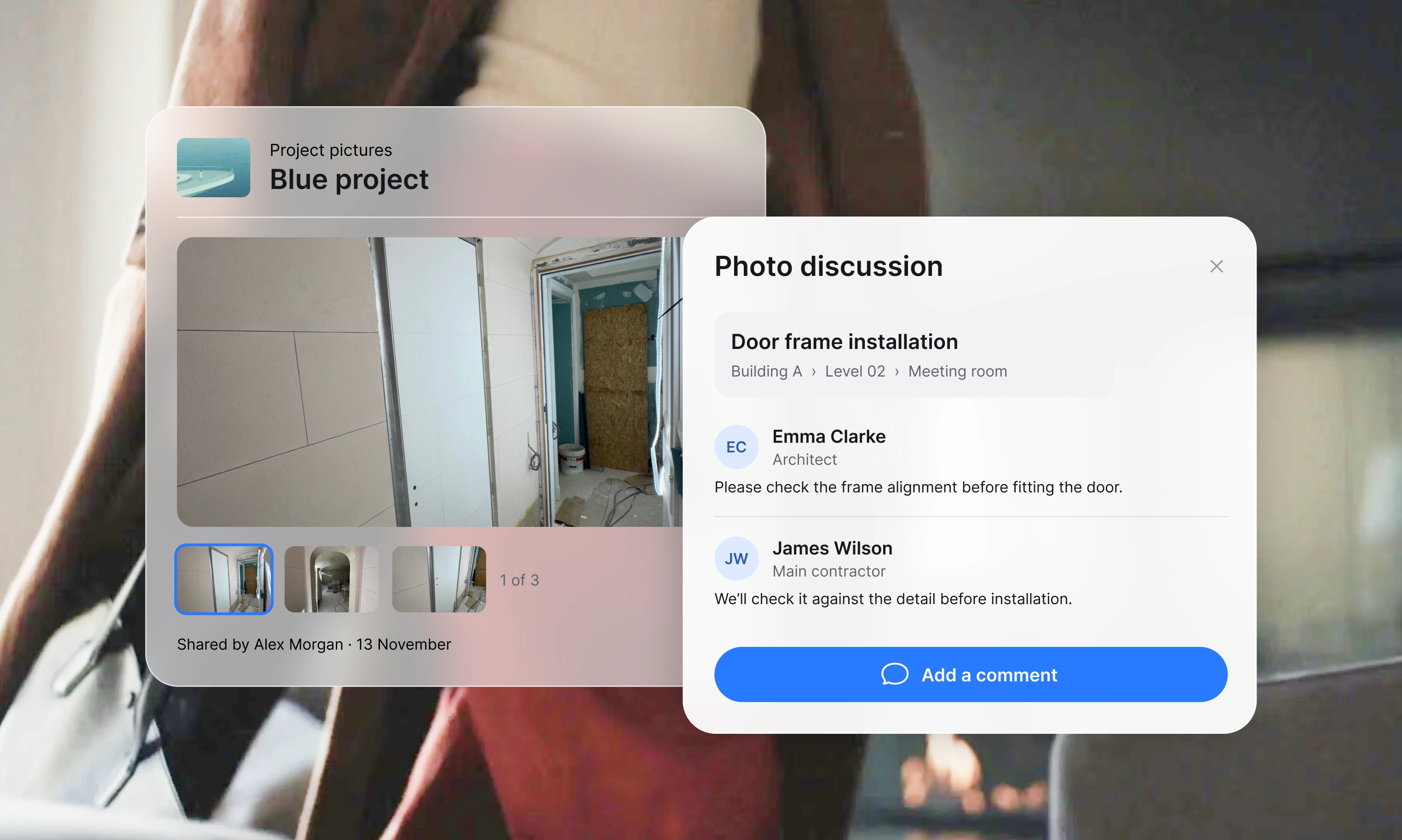
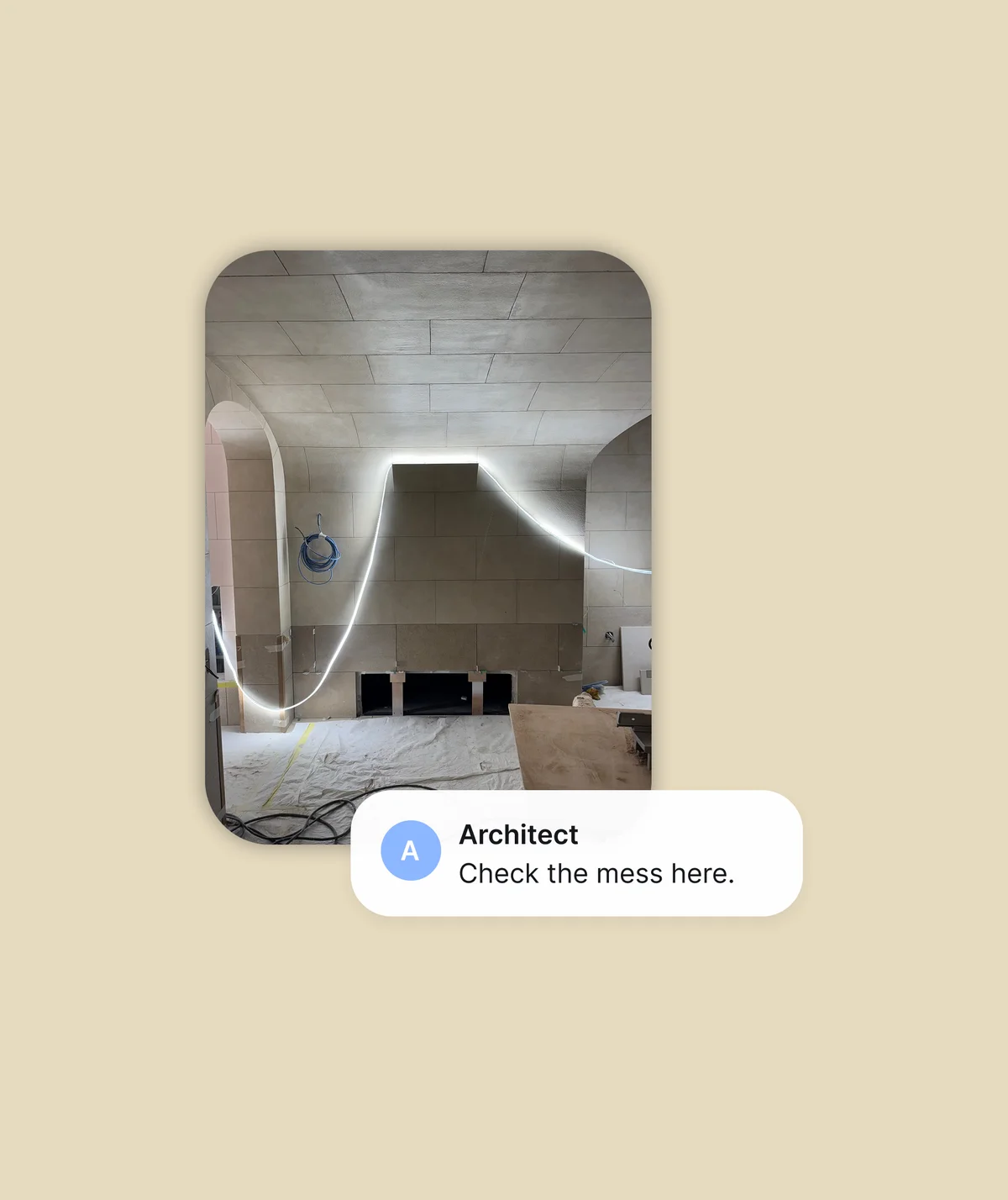
Give site pictures their place in the project beyond someone’s camera roll. Identify the building, floor and room, and keep comments attached to each image. Your team can find the area, raise their concerns and return to the observation without searching through personal messages.
Give every site visit the attention it deserves.
Let the whole team take part in the visit.
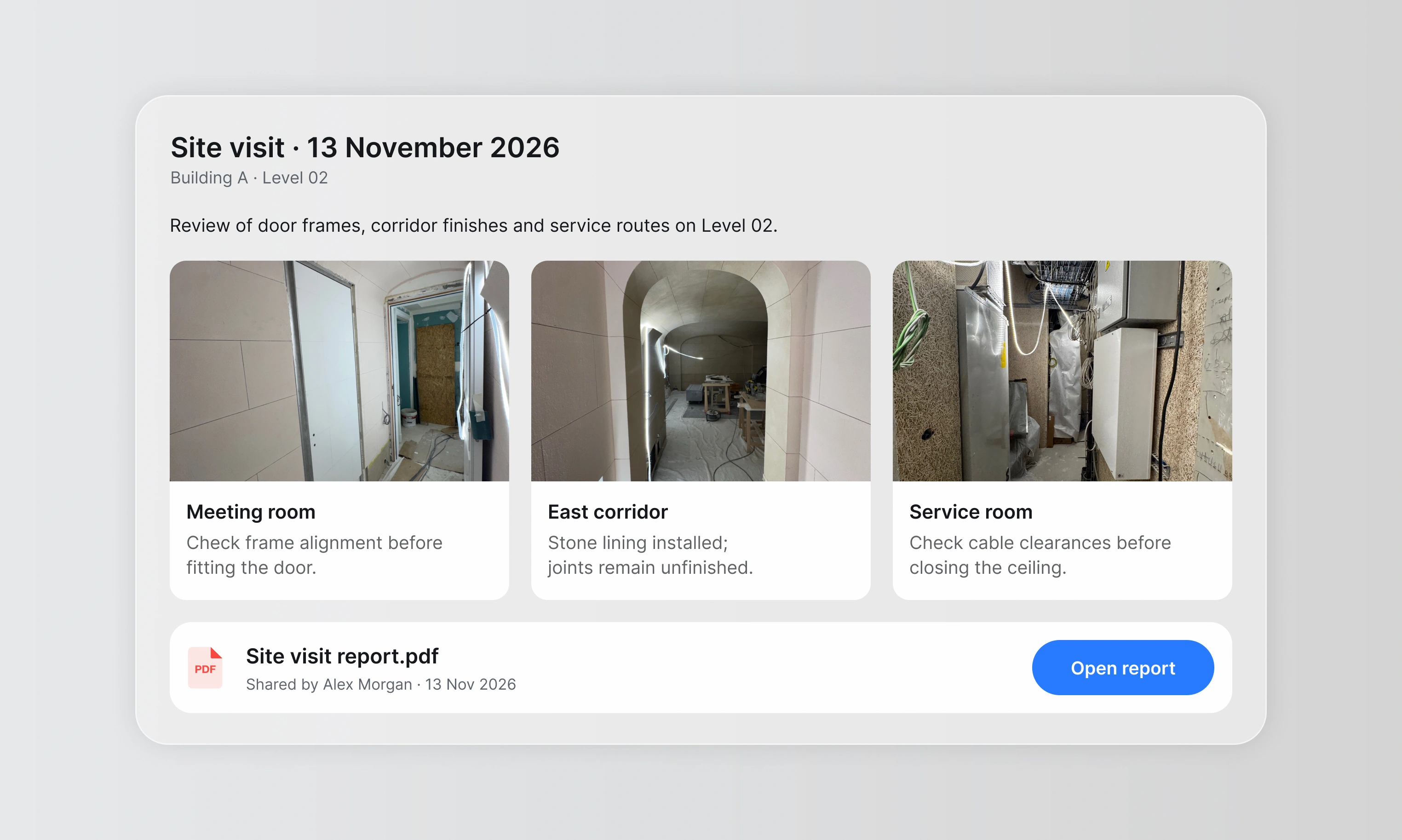
Turn photos into dated visits, enriched with a general description, observations and the site visit report. Keep the trail of the visit alongside the images that support it. Stakeholders who could not be there can review the findings, understand where they apply and contribute to the discussion.
Pushing boundaries forward with 360 visits
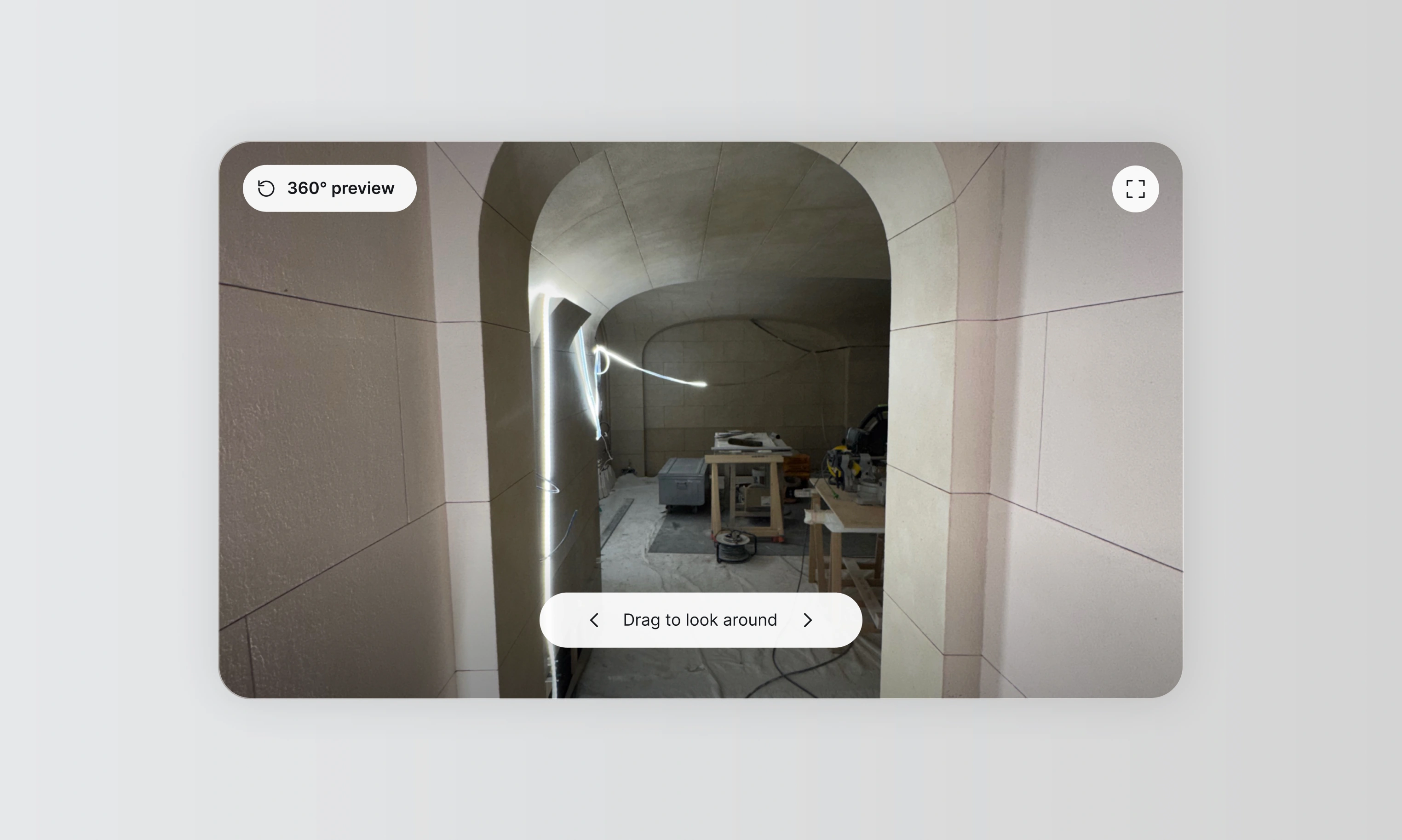
Keep the surroundings in the conversation.
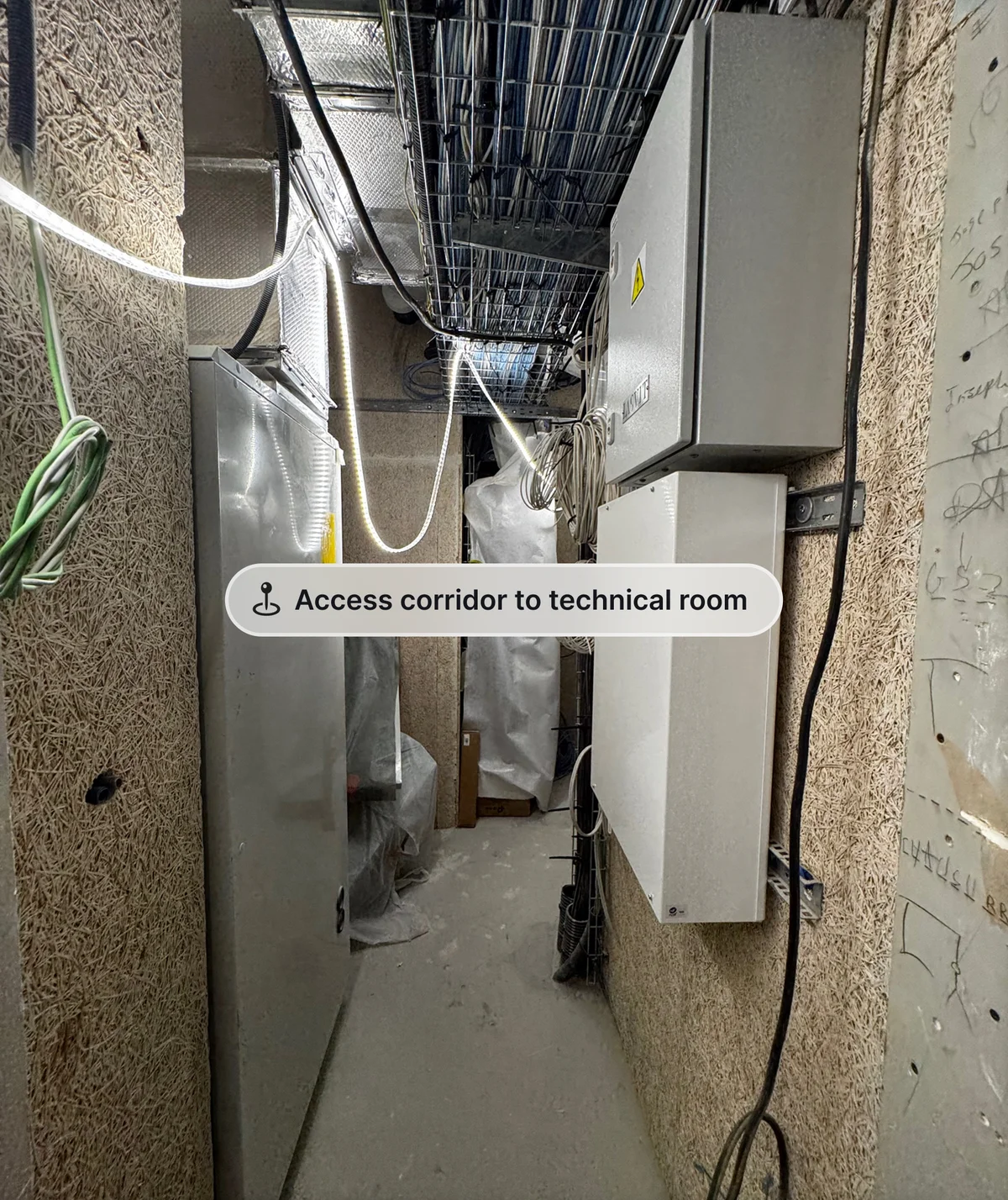
Through integrations with services such as Matterport, give remote stakeholders a route to explore the captured spaces alongside the visit photographs and observations, providing a wider view of the conditions being discussed.
Personal pictures stay personal.
Give site photographs a dedicated shared space beyond the personal camera roll, where the project team can find and use them.
Comments
Keep questions and responses beside the photograph, so everyone can follow the observation and the discussion it prompted.
Locations
Identify the building, floor and room for each photograph, so reviewers know where to look and which area needs their attention.
Site visit reports
Keep the visit report alongside its photos and observations, so reviewers can compare the findings with the visual record.
Frequently asked questions
Pictures groups the visual record into dated visits, with locations such as building, floor and room attached to photographs. Keep the visit description, observations and report together so someone who was not on site can understand where the issue was recorded and return to it later.
Yes. Comments stay alongside the photograph, so the question and responses can be read with the image and its location. A reviewer can ask for clarification using the same reference as the person on site, instead of reconstructing the exchange from personal messages.
Yes. A dated visit can bring together photographs, observations, a general description and the associated report. Reviewers can compare the written findings with the visual record. Record the relevant location and explanation when contributing, so the material remains understandable at a later review or handover.
Pictures provides access to captured 360-degree visits from services such as Matterport alongside the project’s photographs and observations. This helps remote participants explore the surroundings of an issue. The 360 capture comes from the external service; confirm the provider and access arrangement for your project.
Yes. Dated photographs and observations can form part of the evidence reviewed against a progress claim. They show recorded conditions, but cannot establish concealed work, technical conformity or acceptance on their own. The responsible reviewers assess the images alongside the contract, submission and other required evidence.
Give everyone a clearer view of the work.
See how dated visits, photographs and reports give your team a lasting view of the site, wherever they work.