Turn document chaos into a unified source of truth.
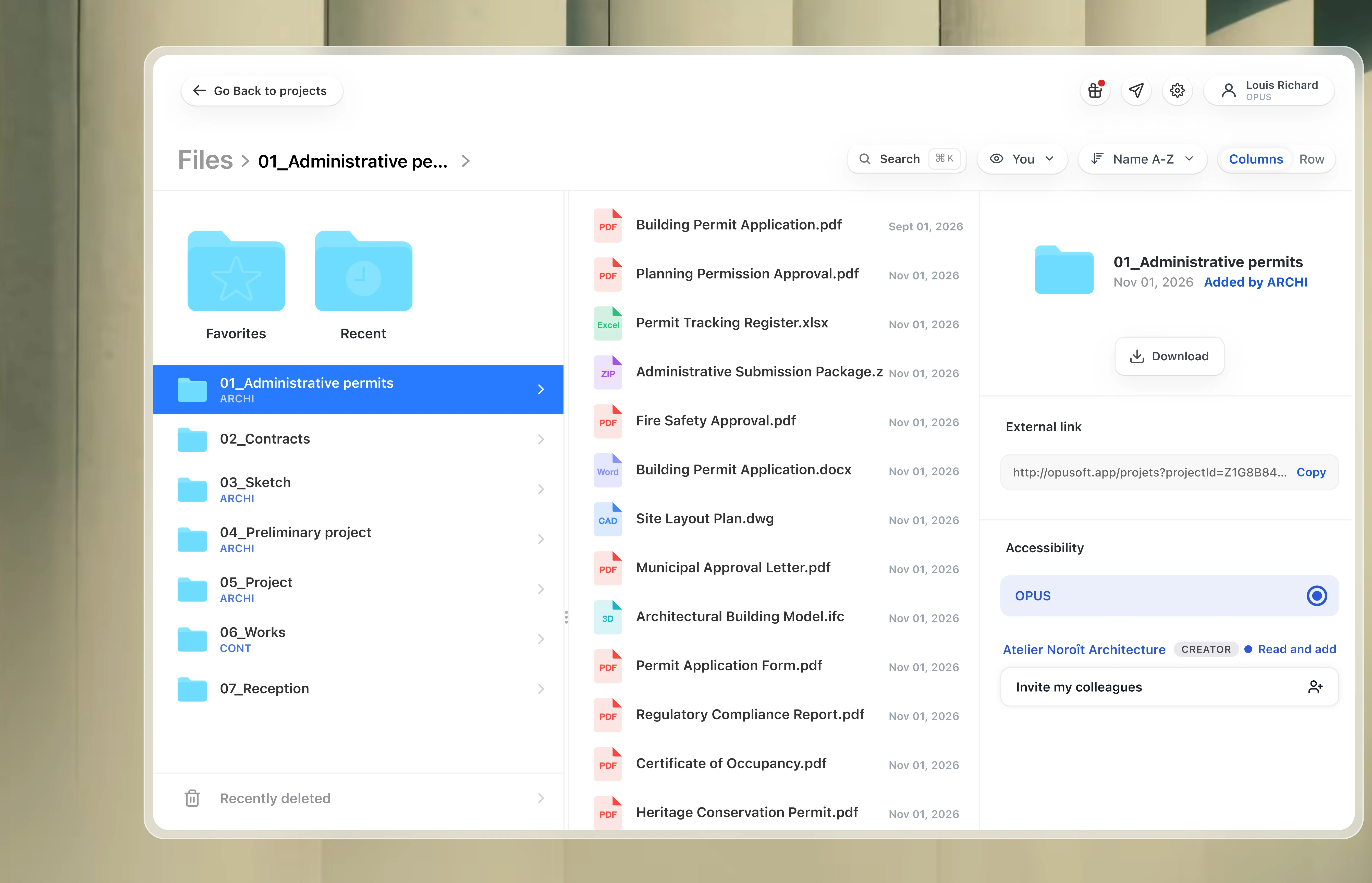
Take control of the documents your project depends on. Bring drawings, models and working files into one project record, with a common version to take decisions with and access defined for every stakeholder.
When project documents live in your stakeholders’ inboxes and separate platforms, finding the right information depends on someone else. OPUS brings that information into your project environment, so your team spends less time chasing files and keeps its reference when people change.Whenprojectdocumentsliveinyourstakeholders’inboxesandseparateplatforms,findingtherightinformationdependsonsomeoneelse.OPUSbringsthatinformationintoyourprojectenvironment,soyourteamspendslesstimechasingfilesandkeepsitsreferencewhenpeoplechange.
File management, designed for project success
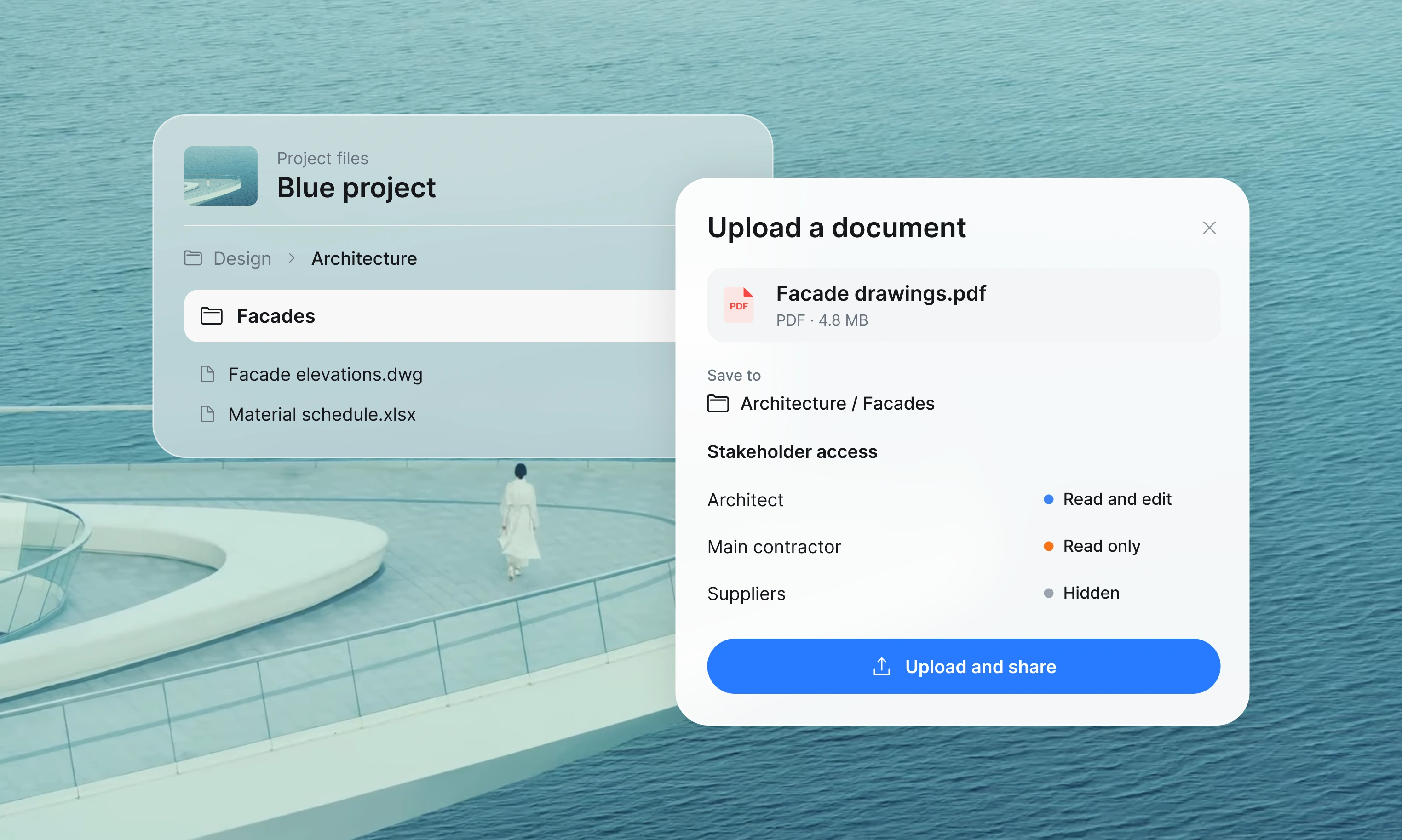
Give every document its place in the project.
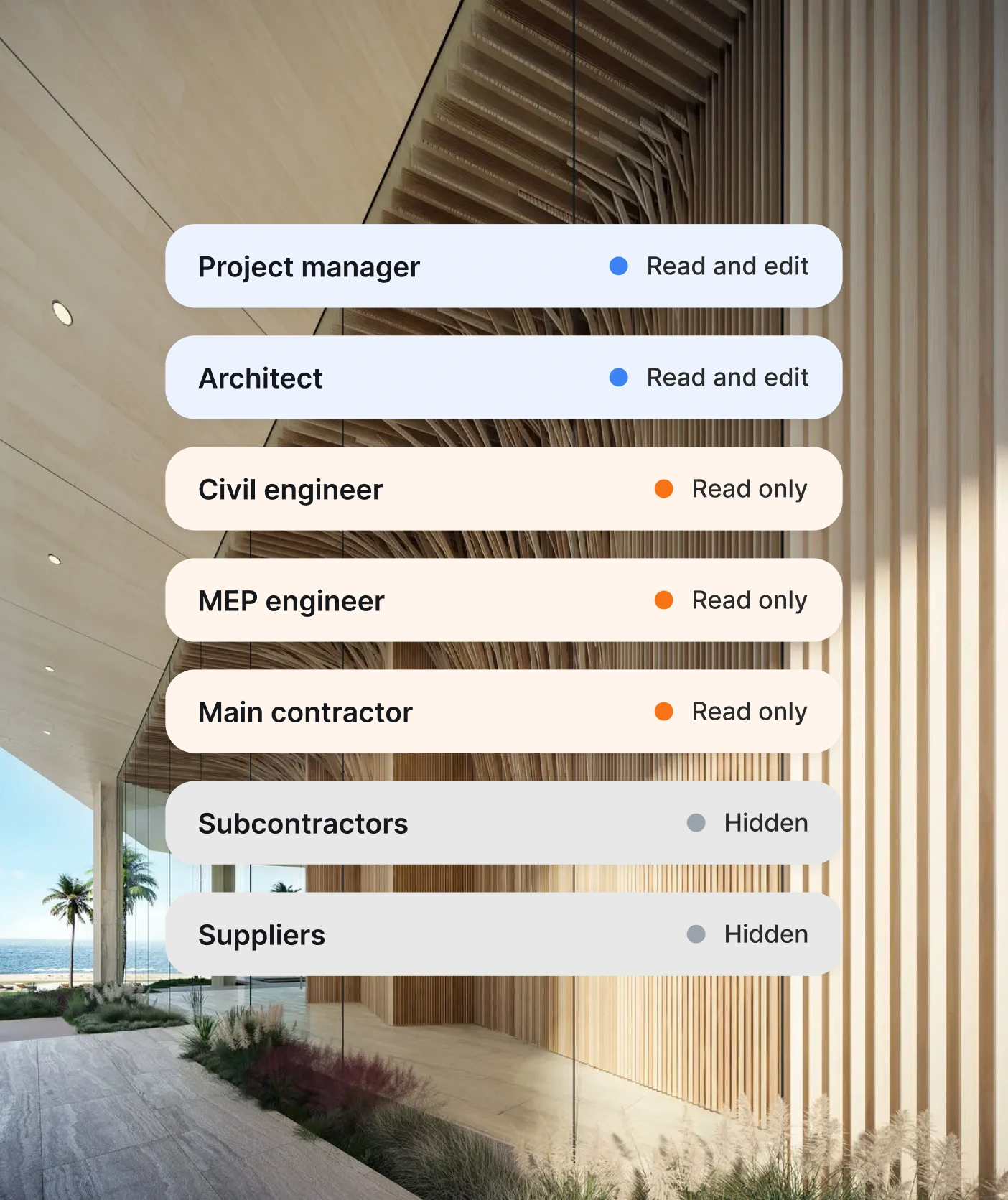
Keep your team, consultants and contractors working from the same document base. Organise files around your project and choose, at every upload, which stakeholders can view & edit; view only; or have no access. Give each participant the information they need while keeping control of what you share.
Finally supporting the type of file you need
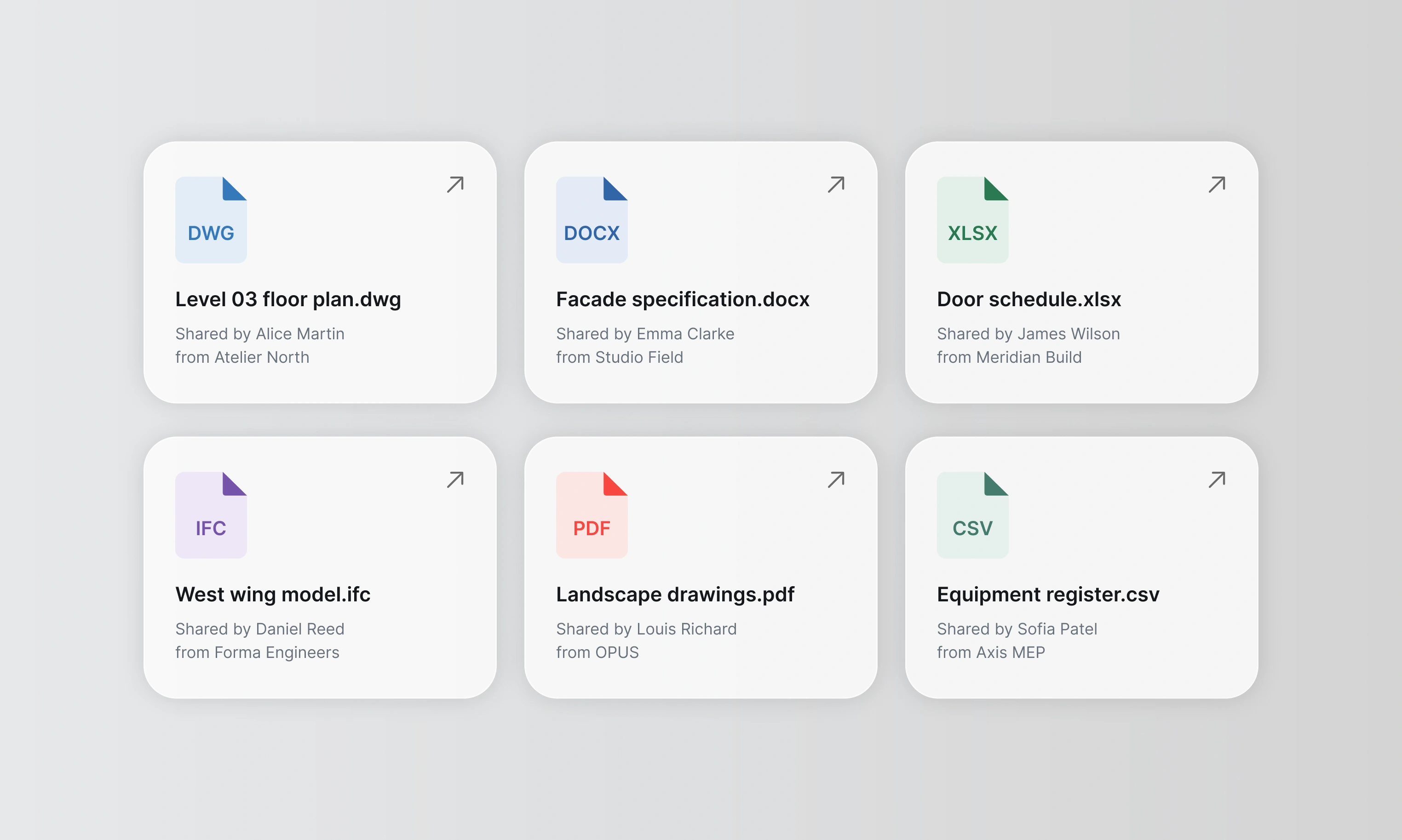
Keep the working files behind the decision.
Read CAD, BIM and large files alongside Word, Excel and CSV documents in OPUS. Bring the formats your designers, engineers and project teams actually use into the same environment, so the material behind a review is available where the work happens.
Find project documents quickly, at scale.
Find the document. Follow the discussion.
Search for documents and the information inside them. Find the specification, report or working file you need without tracing it through email threads or asking a consultant to resend it. As the project record grows, your team keeps a direct route to the information it needs to act from.
acoustic partitions
Filters
Type
Upload date
Uploaded by
Sort
23 documents found
PDF
Interior specification.pdf
acoustic partitions…between meeting rooms and offices.Specifications · Page 12
Design coordination notes.pdfReview acoustic partitions at the next design coordination meeting.
04. Internal partitions
Provideacoustic partitions
between meeting rooms and offices. Coordinate junctions with the reflected ceiling plan before installation.
Page 12
OPUS makes project knowledge accessible through documents you own, control and trace.
Your project record should remain within reach when a consultant leaves or the team changes. Keep documents and their revision history in your project environment, with access defined for each stakeholder. Your organisation retains a common reference, without relying on someone else’s inbox to reconstruct it.
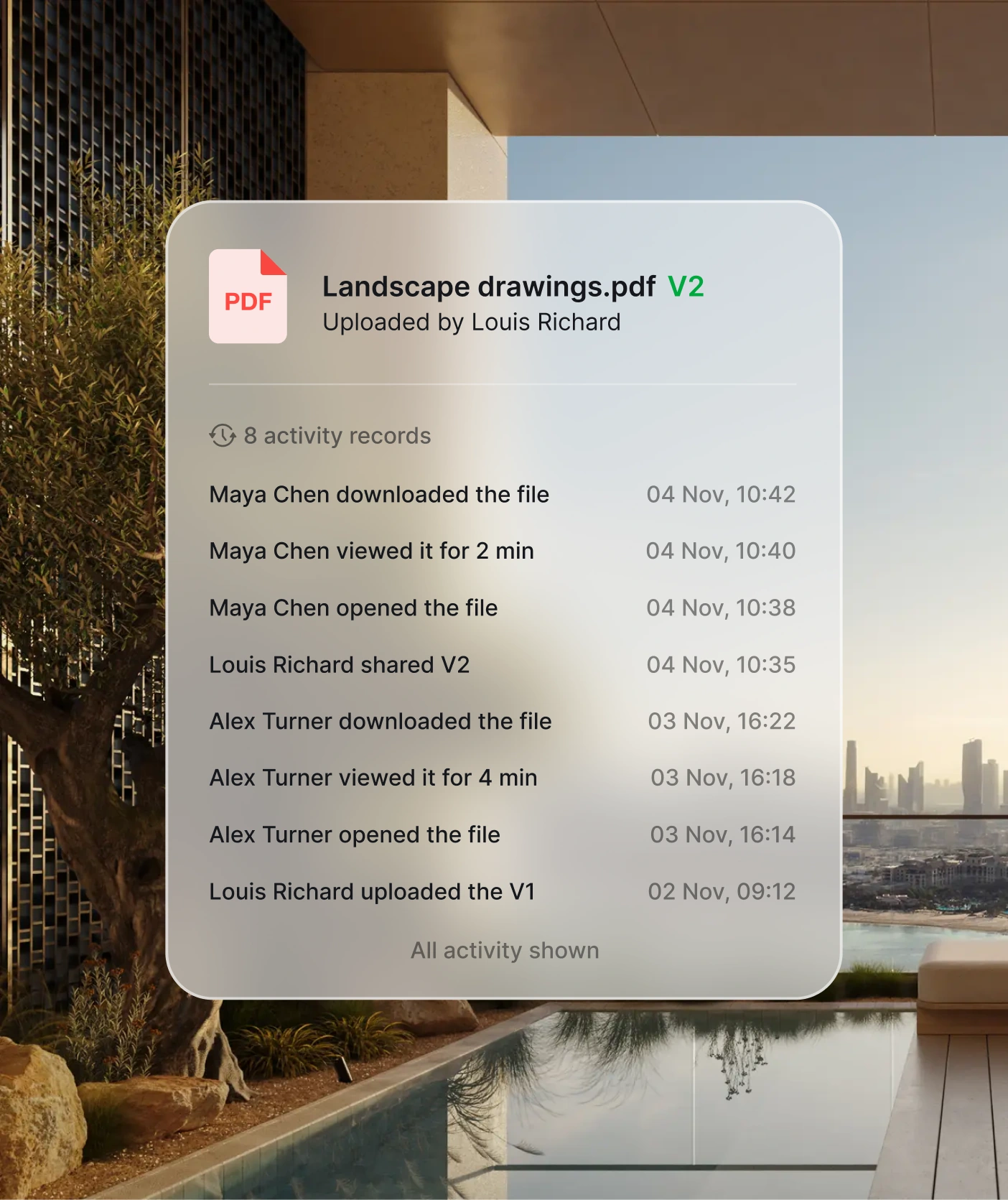
Traceability
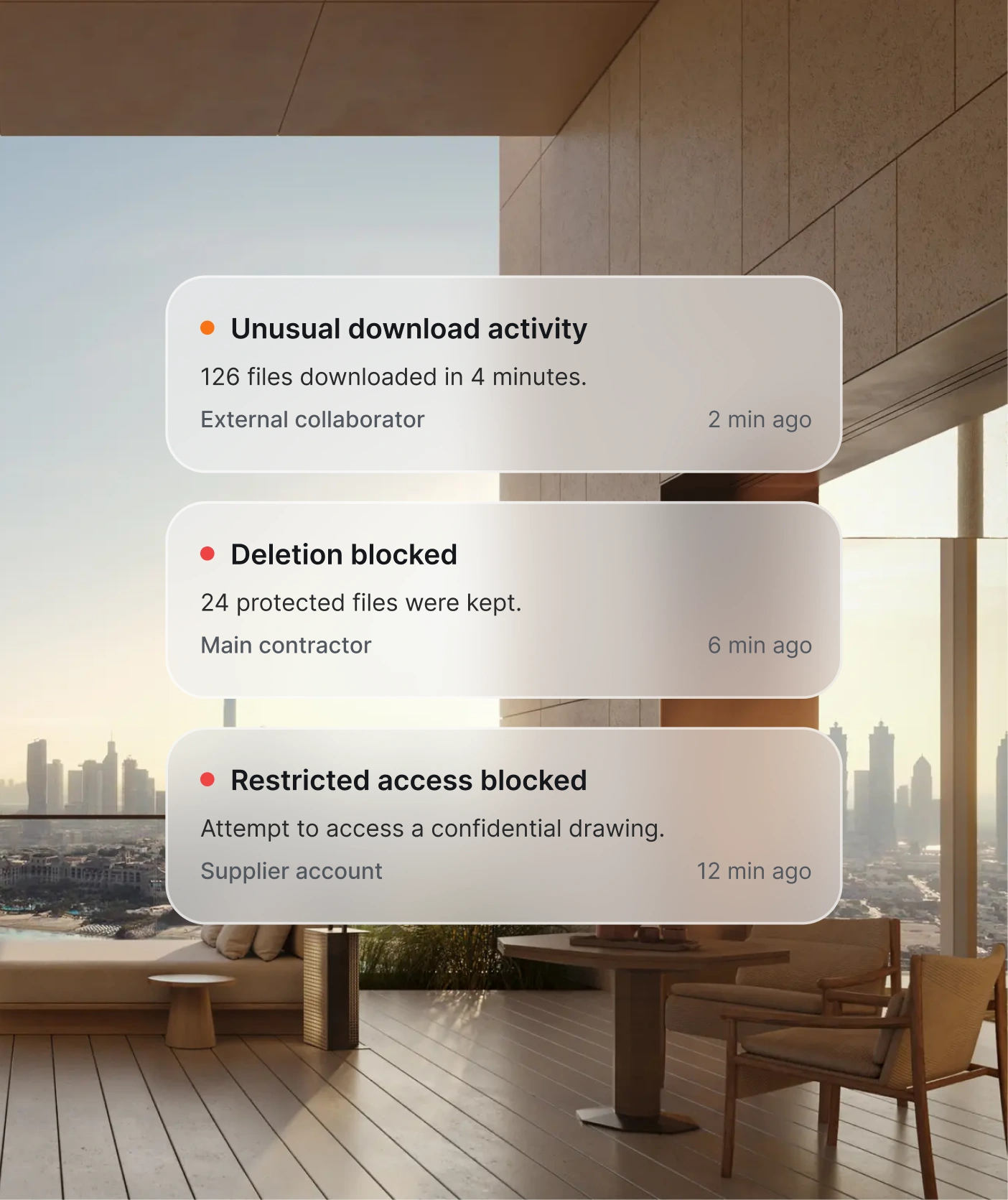
Know who viewed each document, for how long and whether they downloaded it. Direct your follow-ups with a clear access record.
Accessibility
Find documents and search their contents in one place. Get the information you need without waiting on another stakeholder.
Security
Protect highly confidential project information with access rights verified at every document load. Every request is checked against current permissions.
And more
Versioning
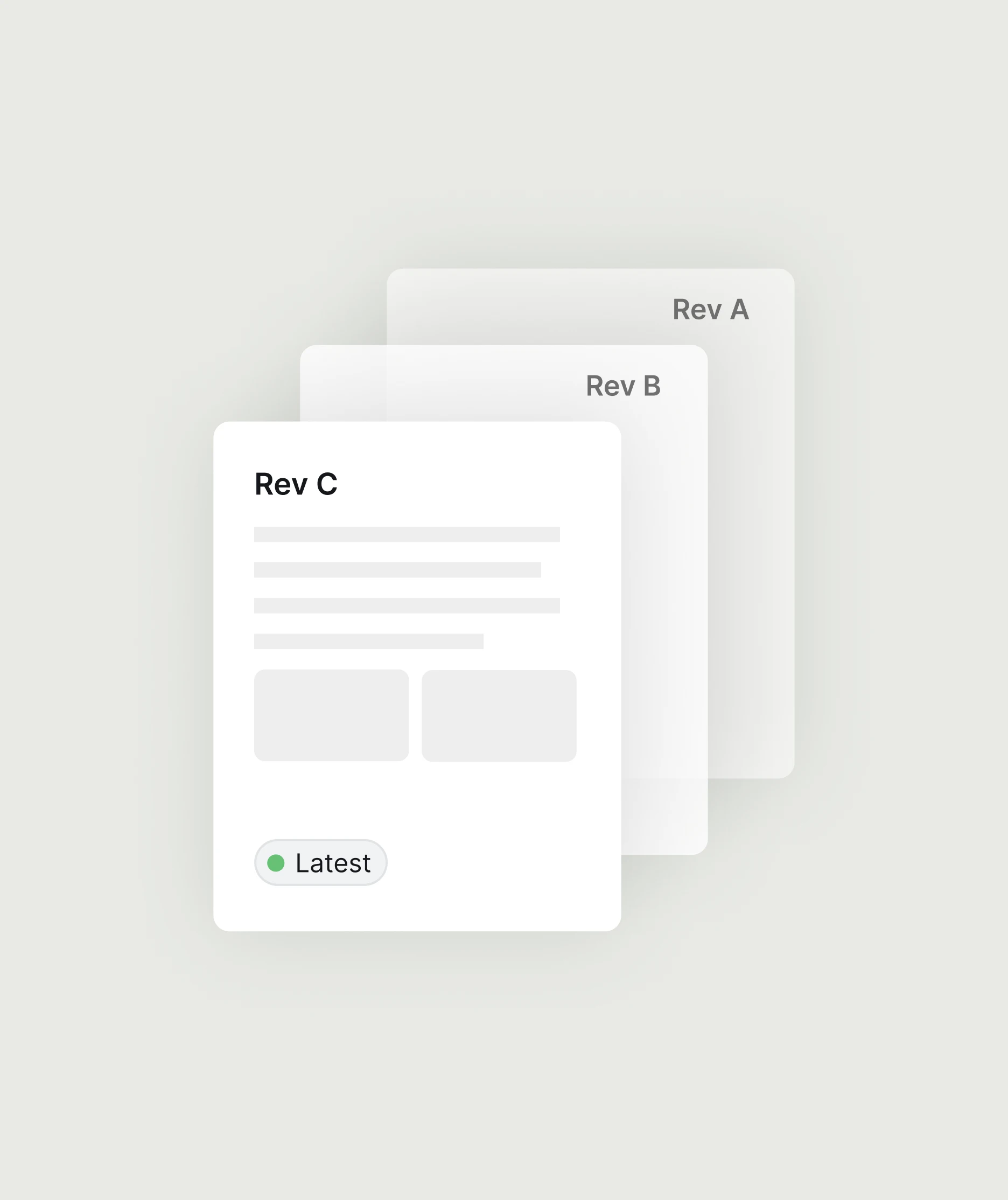
Keep everyone on the same current version. Revisit earlier revisions when you need to check what changed.
External link
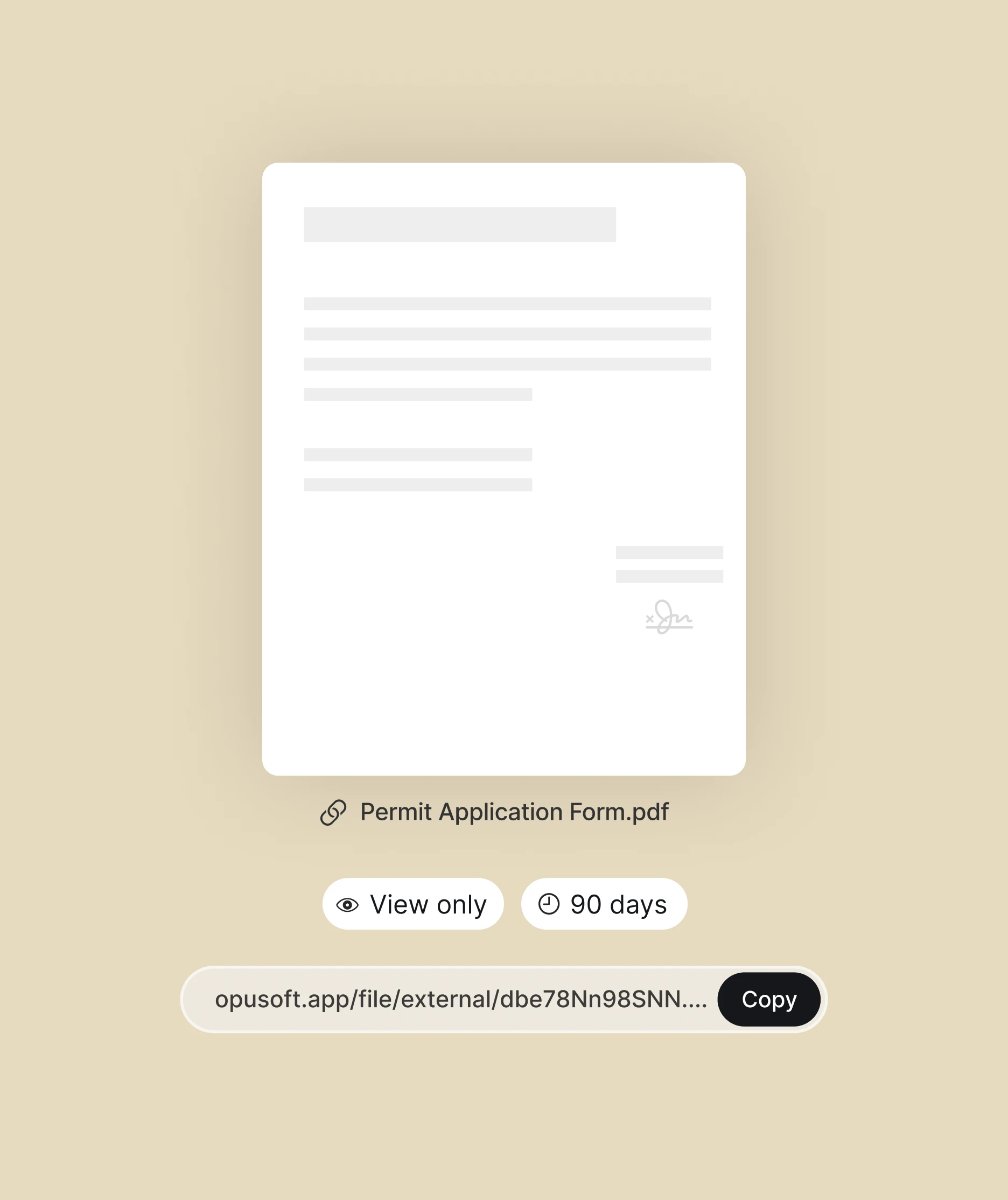
Share a direct link with external participants, giving them a clear reference without recreating or resending files.
Push and email notifications
Get push and email notifications when files or discussions change, so you are always up to date.
Local data backup
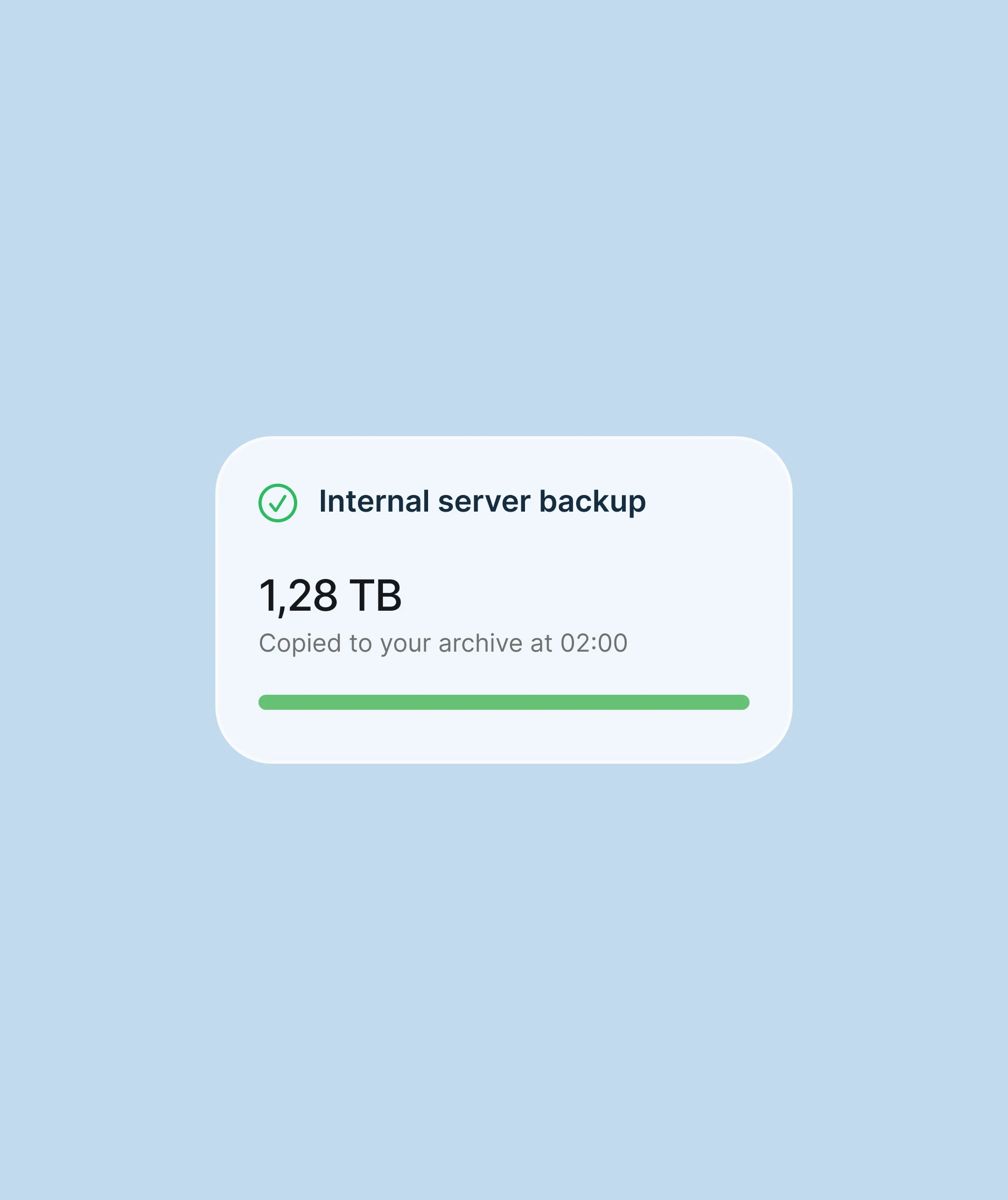
Maintain a local copy of project data at any time, with records retained in your control
Frequently asked questions
Yes. Files brings CAD, BIM, PDF, Word, Excel and CSV material into the project environment. Keep the working documents behind a review together rather than circulating only summaries. For a particular file type or large model, use a representative sample in the demonstration to check the reading experience your team needs.
Yes. At upload, choose view and edit access, view-only access or no access for each stakeholder. Current permissions are checked when a document is loaded. This lets you share the material a consultant or contractor needs while restricting other documents to their intended audience.
Yes. Files retains revision history so the team can revisit earlier versions and check what changed. The latest uploaded revision is not necessarily the one approved for a particular purpose. Check the associated review and recorded decision before using a drawing or specification to instruct work.
The discussion stays with the document in the shared project record. Your team can find the file, follow the exchanges and return to the context behind a decision. That reference remains useful when a colleague joins the project or a consultant hands over their work.
Files includes a local data backup capability so your organisation can retain a copy of the project record. Agree which records and revisions are needed for your handover or archive, and verify the backup scope and retrieval process against those requirements. Retention after the service ends should be confirmed in the agreed terms.
Give every stakeholder the same reference.
See how your team can find project documents, work from the same version and control access across organisations.